
Getting Started
Accessing the Webhooks Page
Webhooks are managed through the Integrations section of your account:
- In the left sidebar, click Integrations
- Select the Webhooks tab
1. Explore the Event Catalog
On the webhooks page, go to the Event Catalog tab to view the list of available events and their payloads. You may contact your Medallion account manager to request new event types.

2. Register an Endpoint
On the Endpoints tab, click Add Endpoint and enter your endpoint URL.

Your endpoint must:
- Be reachable over HTTPS
- Return a 2xx status code within 15 seconds of receiving a request
- Have CSRF protection disabled for the webhook path (webhooks are not browser requests)
3. Subscribe to Event Types
When creating an endpoint, select the event types you want to receive from the Event Catalog.

If you select none, the endpoint receives all event types by default, including any new event types Medallion introduces in the future. Make sure your consumer handles unknown type values gracefully by logging and returning 2xx rather than throwing an error:
match payload["type"]:
    case "payer_enrollment.request.in_progress.v1":
        handle_in_progress(payload["data"])
    case _:
        logger.warning("Unknown event type: %s", payload["type"])
        # Return 2xx — returning 4xx/5xx causes unnecessary retries
4. Get Your Signing Secret
After creating an endpoint, click into it and reveal the signing secret from the endpoint settings. It starts with whsec_. Store it securely as you'll use it to verify incoming requests.

5. Implement Your Consumer
Your endpoint needs to:
- Read the raw request body (do not parse before verifying)
- Verify the signature using the signing secret
- Parse the
typeanddatafields from the JSON body - Return 2xx immediately.
Testing Your Endpoint
Open your endpoint, select an event type and click Send Example to deliver a synthetic payload.

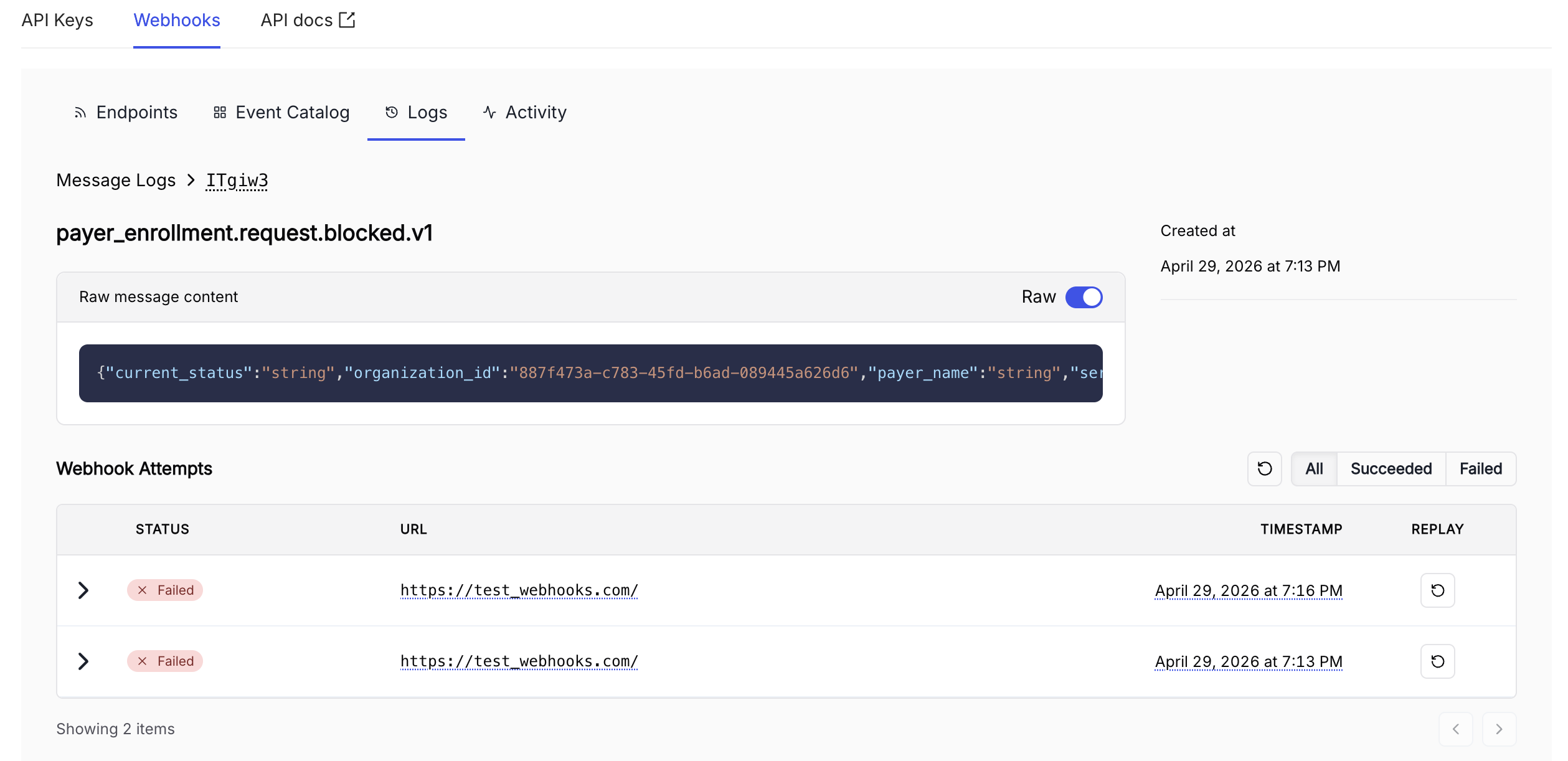
The Logs tab shows the full delivery history including payload sent, HTTP response received, and any retry attempts.
Updated 5 months ago